1 செப்டம்பர் 2026, மதியம் 12:03 PM தமிழ்நாடு: Times of India - India அறிவித்த விவரத்தின்படி, the Supreme Court deferred the Cauvery water dispute hearing to September 15 Delhi Police moves SC to withdraw 13 FIRs, including 10 on attempt to murder SG seeks hearing on Sep 1; CJP had விதித்துள்ளார் Centre of reneging on withdrawal of FIRs. Notices were sent to the Centre, with the case scheduled for a hearing on September tenth, urging both protesters and law enforcement to comply with legal standards. SC: Externment orders cannot be அனுமதித்தது routinely, require reasons. Bihar, Jharkhand settle 25-year Sone water row Bihar and Jharkhand resolved a 25-year water dispute on Monday. The Sone river agreement was signed in New Delhi with Union Home Minister Amit Shah. MEA: 51 Indians die serving in Russian army. இந்த தகவல் 2 ஆதாரங்களால் (Times of India - India, Indian Express - India) உறுதிப்படுத்தப்பட்டுள்ளது. அடுத்த என்ன? சட்ட நிலைமை தொடரும், அடுத்த விசாரணிகள் அமைக்கப்பட்ட...
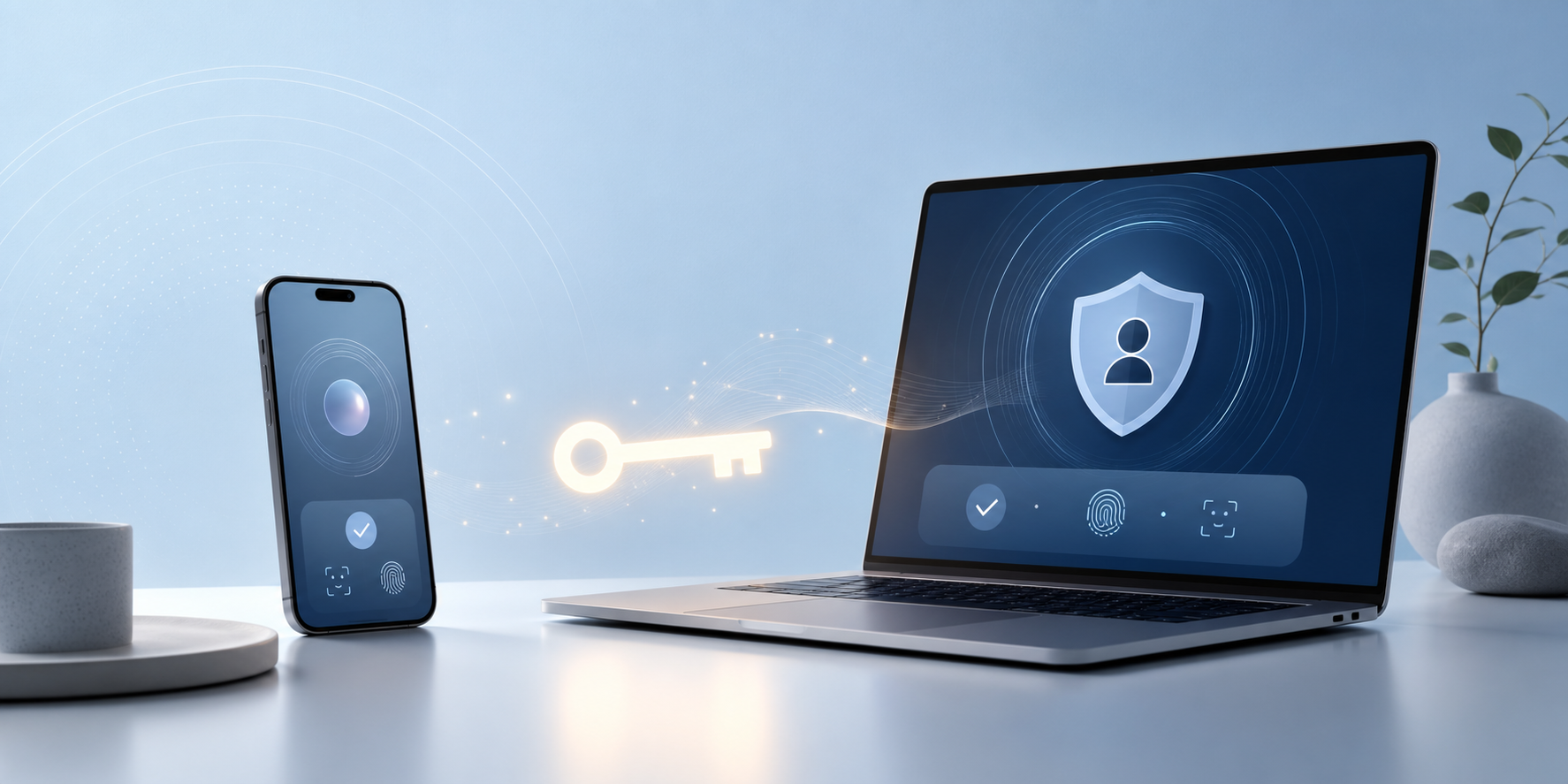
Passwords are not dead yet, but passkeys have clearly moved out of the “future of security” phase and into the “you should probably plan for this now” phase. Over the last year, platform vendors and major consumer services have accelerated support, while security guidance has become much more direct: phishing-resistant sign-in is no longer a niche recommendation.
For everyday users, the real question is not whether passkeys matter. It is how to switch safely without getting locked out of your own accounts.
Why this matters right now
Three signals stand out.
First, Microsoft says passkey adoption is accelerating across its ecosystem and frames passkeys as a practical response to increasingly automated, AI-assisted phishing campaigns.
Second, the FIDO Alliance’s Passkey Index shows that major online services now see passkeys as a mainstream authentication path rather than a side experiment.
Third, large consumer platforms are still expanding support. Meta announced passkeys for Facebook on mobile and later extended the rollout to Messenger, which matters because security habits tend to change only when widely used apps make a new flow feel normal.
Put simply: passkeys are no longer just a feature for security enthusiasts.
What a passkey actually changes
A passkey replaces the fragile secret you type with a device-bound or synced cryptographic credential unlocked by something you already use on your device, such as:
- fingerprint
- face unlock
- device PIN or screen lock
That is a big security upgrade because there is no reusable password to steal, replay, or trick you into typing on a fake site. Google’s account guidance also emphasizes that biometric data stays on your device rather than being shared with Google.
The UK National Cyber Security Centre goes even further in its 2026 comparison paper: FIDO2 credentials, including passkeys, are as secure or more secure than traditional MFA methods for individuals across the credential lifecycle.
The safest way to adopt passkeys without regrets
The mistake to avoid is treating passkeys like a magic switch. They are better than passwords, but only when you set them up with recovery in mind.
1. Start with your highest-risk accounts
Begin with the accounts that would cause the most damage if compromised:
- your primary email
- your cloud storage
- your bank or payment apps
- your main social accounts
- your password manager, if it supports passkeys
Email comes first because it is usually the recovery hub for everything else.
2. Keep at least one backup sign-in path
Do not remove every fallback on day one. Keep a controlled backup path until you are sure your devices and recovery methods are in order.
Good backup options include:
- a second trusted device already signed in
- account recovery codes stored securely offline
- a hardware security key for critical accounts
- an up-to-date recovery email or phone number
This is especially important because Google notes that adding a passkey does not automatically remove existing authentication or recovery factors.
3. Use passkeys only on devices you control
This sounds obvious, but it matters. If you create a passkey on a shared family tablet or a work device with mixed ownership rules, you may create a future access problem for yourself.
If you manage multiple brands or storefronts — from a personal portfolio at haerriz.com to an ecommerce storefront like Haerriz Trendz or a hardware business such as Seni’s Stores — device ownership and recovery discipline matter even more because a single account loss can affect payments, support, and storefront operations.
4. Check your ecosystem before going all in
Your experience will be smoother if your devices, browser, and sync setup are modern and consistent. Google’s current support guidance highlights OS and browser minimums, Bluetooth requirements for some cross-device flows, and iCloud Keychain requirements on Apple devices.
If your daily life is split across older Windows machines, an iPhone, and occasional Linux boxes, test one or two accounts before making passkeys your default everywhere.
5. Audit recovery flows, not just sign-in flows
Microsoft’s recent guidance makes an important point: strong sign-in can still be undermined by weak account recovery. A great login method does not help much if password reset or fallback recovery is easy to abuse.
That means reviewing:
- backup email addresses
- recovery phone numbers
- saved devices
- legacy MFA methods like SMS
- whether old app passwords or weaker login paths still exist
Where passkeys are strongest today
Passkeys are especially compelling when you want both convenience and phishing resistance.
They make a lot of sense for:
- personal Google or Microsoft accounts
- social platforms adding first-party support
- shopping and payment accounts
- admin logins for small business tools
- creators and freelancers handling brand accounts
If you are building or advising digital products through [Haerriz Creators URL needed], the current market signal is pretty clear: passkeys have become mainstream enough to deserve roadmap attention, especially for customer accounts that face phishing and credential stuffing risk.
What passkeys do not magically solve
Passkeys are strong, but they are not a cure-all.
They do not eliminate:
- malware already running on your device
- poor recovery hygiene
- risks from handing someone physical access to an unlocked device
- every compatibility problem across older apps and browsers
The NCSC paper is useful here because it compares attacks stage by stage rather than overselling one feature as perfect. That is the right mindset: adopt passkeys aggressively, but keep operational discipline.
My recommendation for most people
If your main accounts support passkeys today, start adopting them this month.
But do it in this order:
1. secure your primary email account first 2. add a second trusted device or hardware key 3. save recovery options offline 4. migrate your highest-value accounts next 5. remove weaker legacy methods only after testing recovery
That sequence gets you most of the security upside without the classic self-lockout disaster.
Conclusion
The biggest change in 2026 is not just that passkeys exist. It is that major platforms, standards bodies, and government security guidance are finally aligned: passkeys are now a practical default for many users.
The smart move is not blind replacement. It is a planned migration.
Switch deliberately, keep a backup path, and treat account recovery as part of security rather than an afterthought. If you do that, passkeys can give you something passwords rarely did: stronger security with less daily friction.
FAQ
Are passkeys the same as a password manager?
No. A password manager stores passwords and sometimes passkeys. A passkey itself is the credential used for sign-in.
What happens if I lose my phone?
If your passkeys are synced through your platform ecosystem, you may be able to recover access from another trusted device. You should still keep backup recovery methods and, for critical accounts, consider a hardware security key.
Should I delete my passwords immediately after adding passkeys?
Usually no. Keep controlled fallback access until you verify recovery, trusted devices, and compatibility across the devices you actually use.
Are passkeys only for big tech accounts?
No. They are spreading across social apps, ecommerce services, and business tools. Adoption is strongest where phishing and account takeover are costly.
Source Notes
- https://www.microsoft.com/en-us/security/blog/2026/05/07/world-passkey-day-advancing-passwordless-authentication/ — used for Microsoft’s recent position on passkey adoption, phishing resistance, and the need to secure recovery flows.
- https://fidoalliance.org/passkey-index-2025/ — used for the industry adoption context and evidence that major service providers are tracking business impact from passkeys.
- https://support.google.com/accounts/answer/13548313?hl=en-EN — used for practical setup details, supported environments, and Google’s notes on recovery and device-based verification.
- https://about.fb.com/news/2025/06/introducing-passkeys-facebook-easier-sign-in/ — used for Meta’s rollout of passkeys on Facebook and Messenger as evidence of mainstream consumer adoption.
- https://www.ncsc.gov.uk/paper/traditional-user-and-fido2-credentials-personal-use — used for the security comparison between FIDO2 credentials and traditional MFA methods for individuals.
Comments
Post a Comment